

Create the first invoice from a contract
Step-by-step task guide: Invoicing and dunning.
You upload a contract with a payment schedule in the chat. The agent reads it and creates the first instalment as an invoice draft that opens beside the chat, already filled in.
You need first:
- The customer named in the contract exists as a contact, under the name the contract uses.
- Under Settings > Invoice types, "Use down payment, partial and closing invoices" is switched on. Otherwise the agent asks.
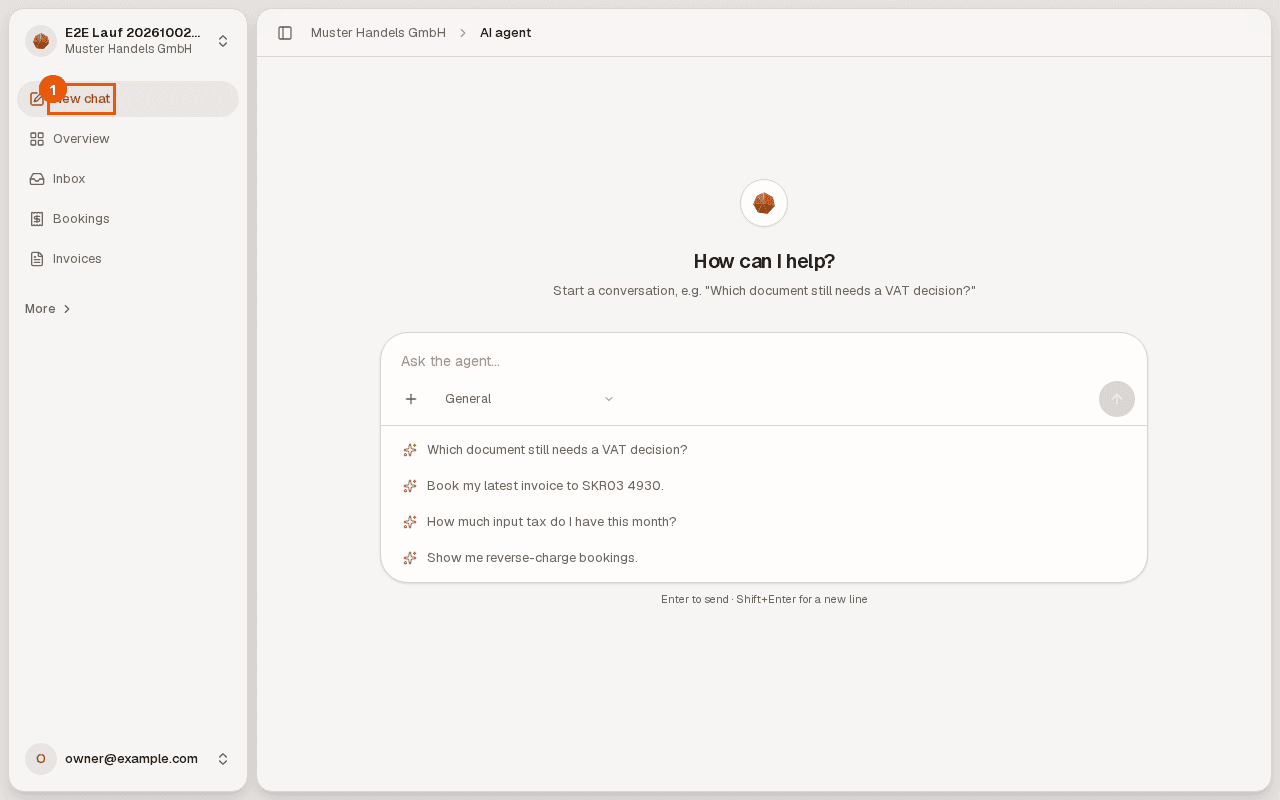
Step 1: Open the chat. Click "New chat" on the left. The chat with the AI agent opens.
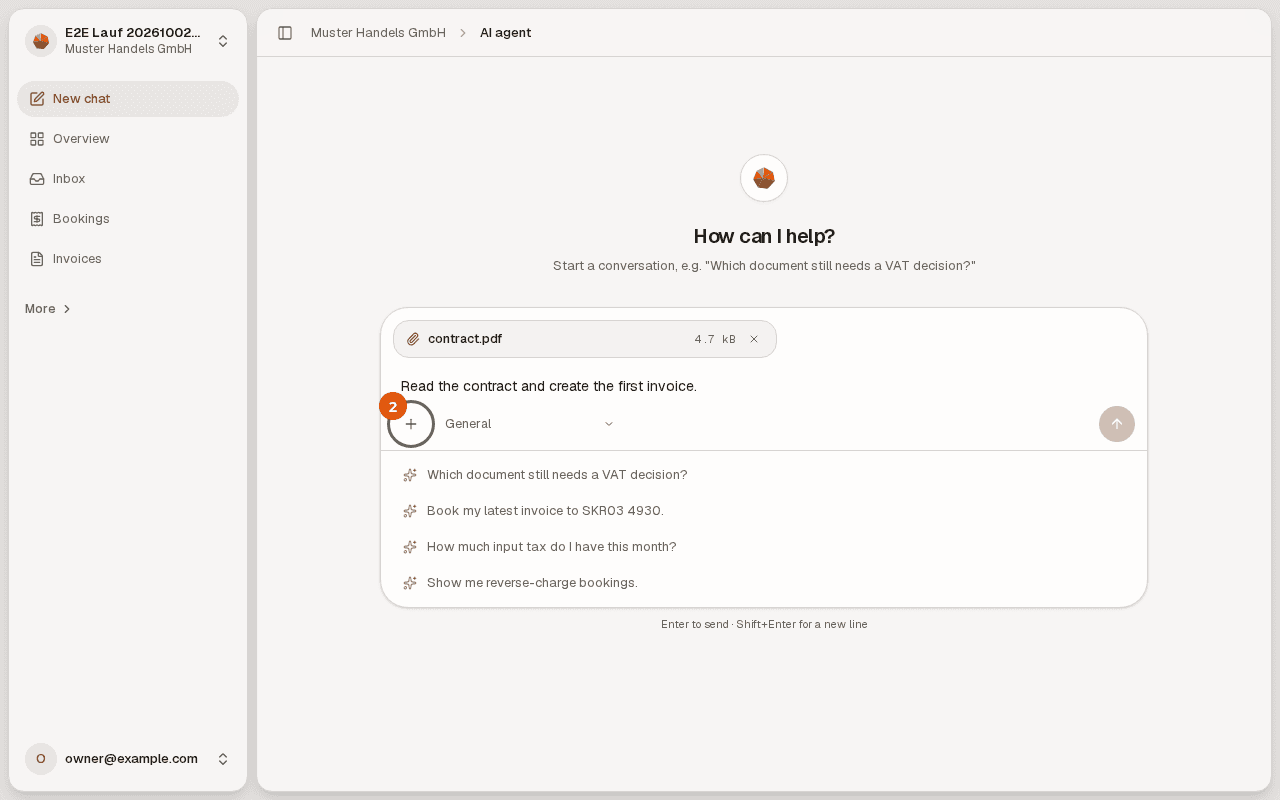
Step 2: Attach the contract and ask. Click the plus, choose the contract as a PDF and write what you want, for example "Read the contract and create the first invoice."
Step 3: Send and wait. The agent reads the contract, finds the customer and works out the first instalment. The amounts come from the contract, never estimated by the model.
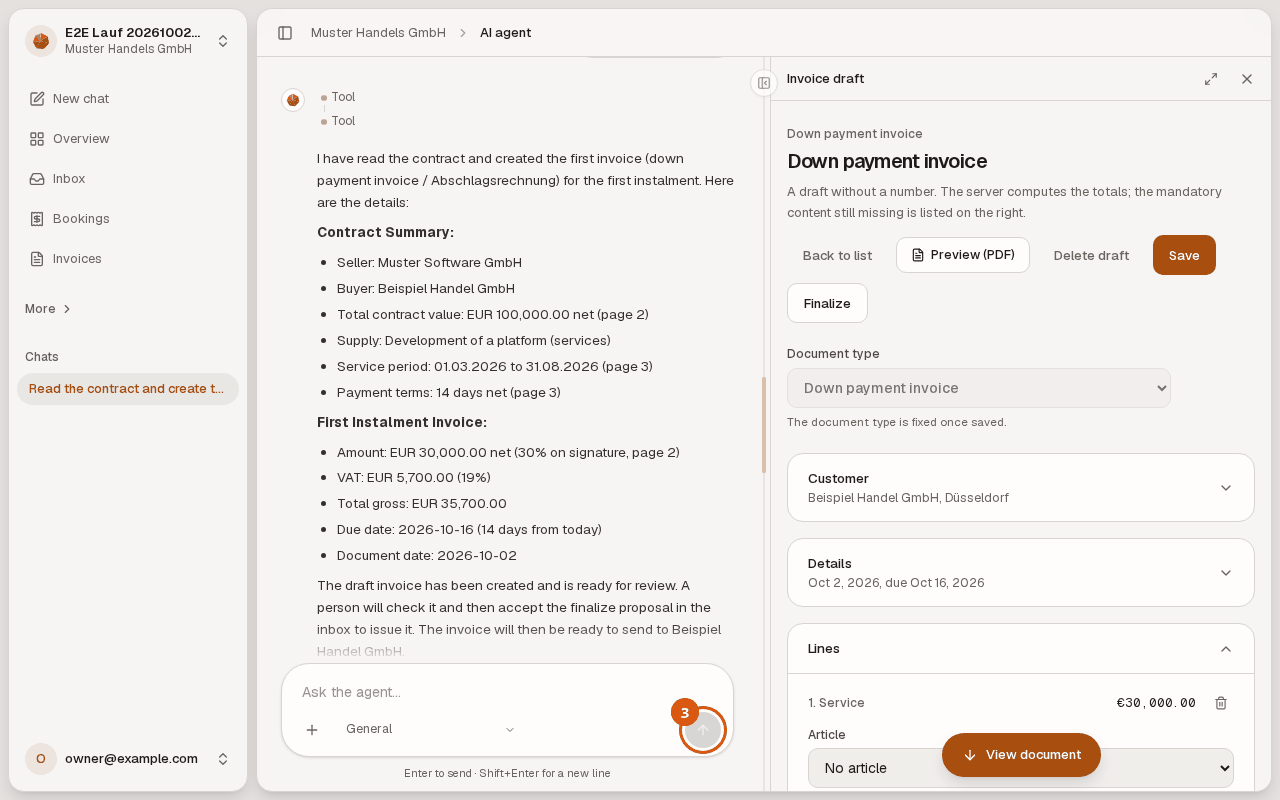
Step 4: Check the draft. On the right is the invoice draft with customer, date, due date and the first instalment as a line. You can change any field directly and "Save".
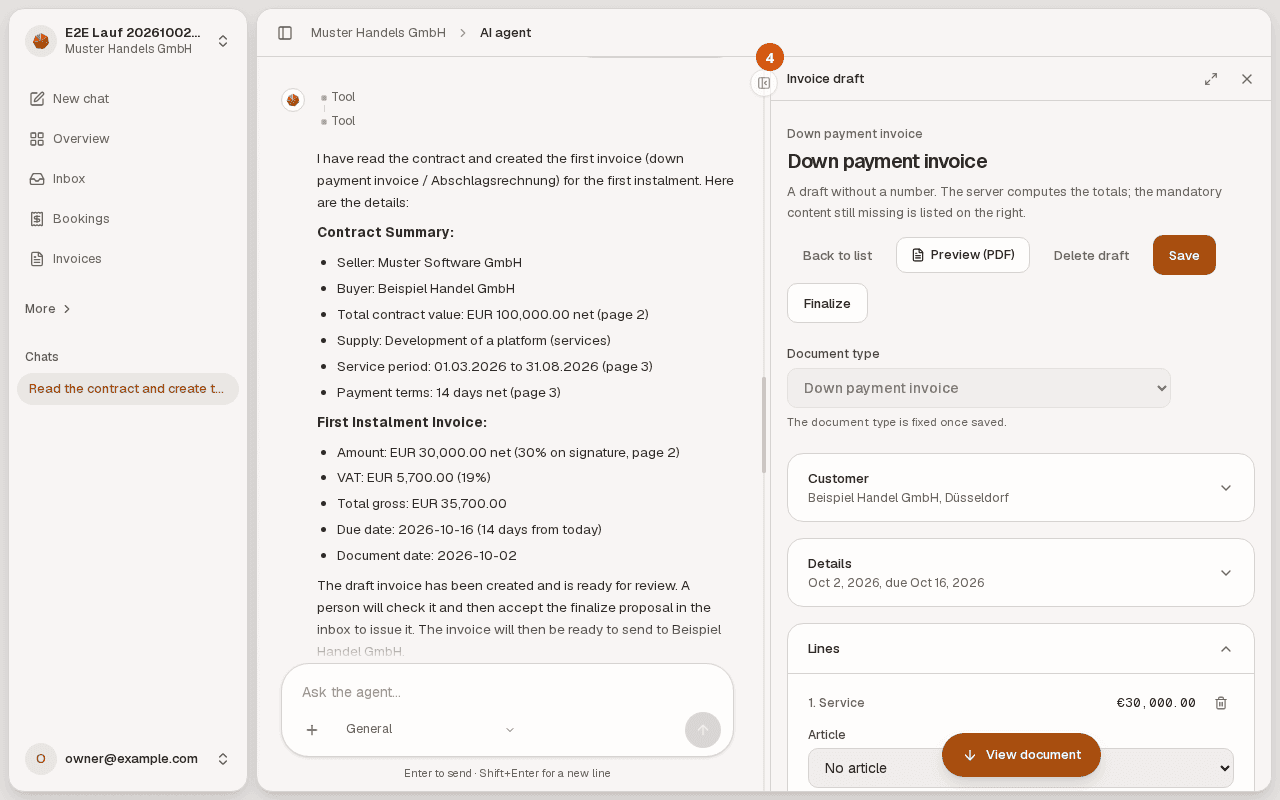
After that: the draft has no number yet. A person with the right accepts the finalize proposal in the inbox, and only then is the invoice issued.