Accounting
Settings and roles
Company profile, members and roles, invoice and booking settings, connections and display.
Company profile and tax settings
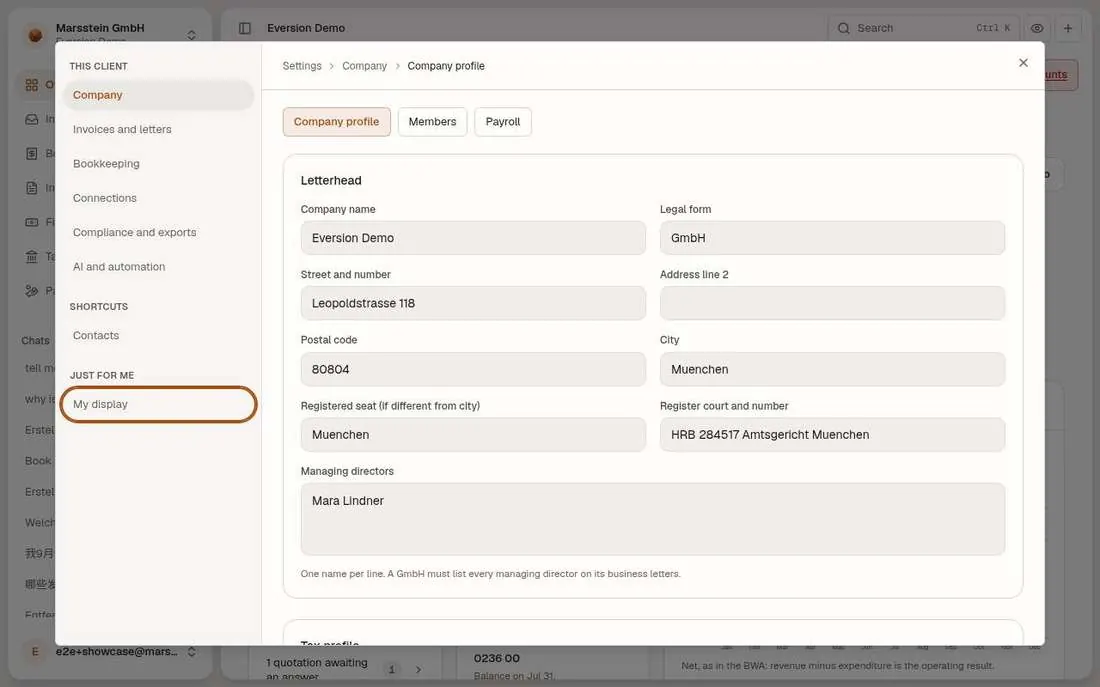
Letterhead (name, legal form, address, register court, managing directors) and a tax profile: VAT ID, tax number, taxation basis, profit determination, VAT return period, default e-invoice format (ZUGFeRD or XRechnung), small business flag, BZSt confirmation of buyers' VAT IDs, the switch to compute the UStVA and ZM, the permanent filing extension, e-invoices for customers abroad, and 'require a second person to accept proposals (four eyes)'.
In short
Try it
Scroll the dialog to the tax profile.
Good to know
- Four eyes is a client setting; a requester cannot accept their own proposal when it is on.
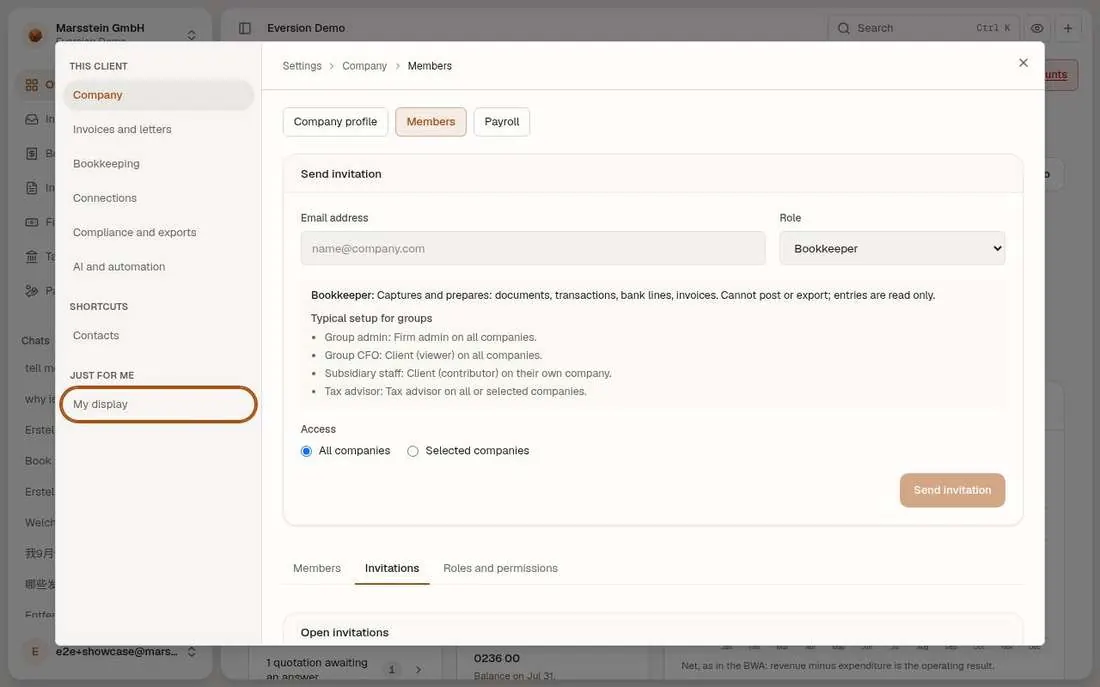
Members, invitations, roles and permissions
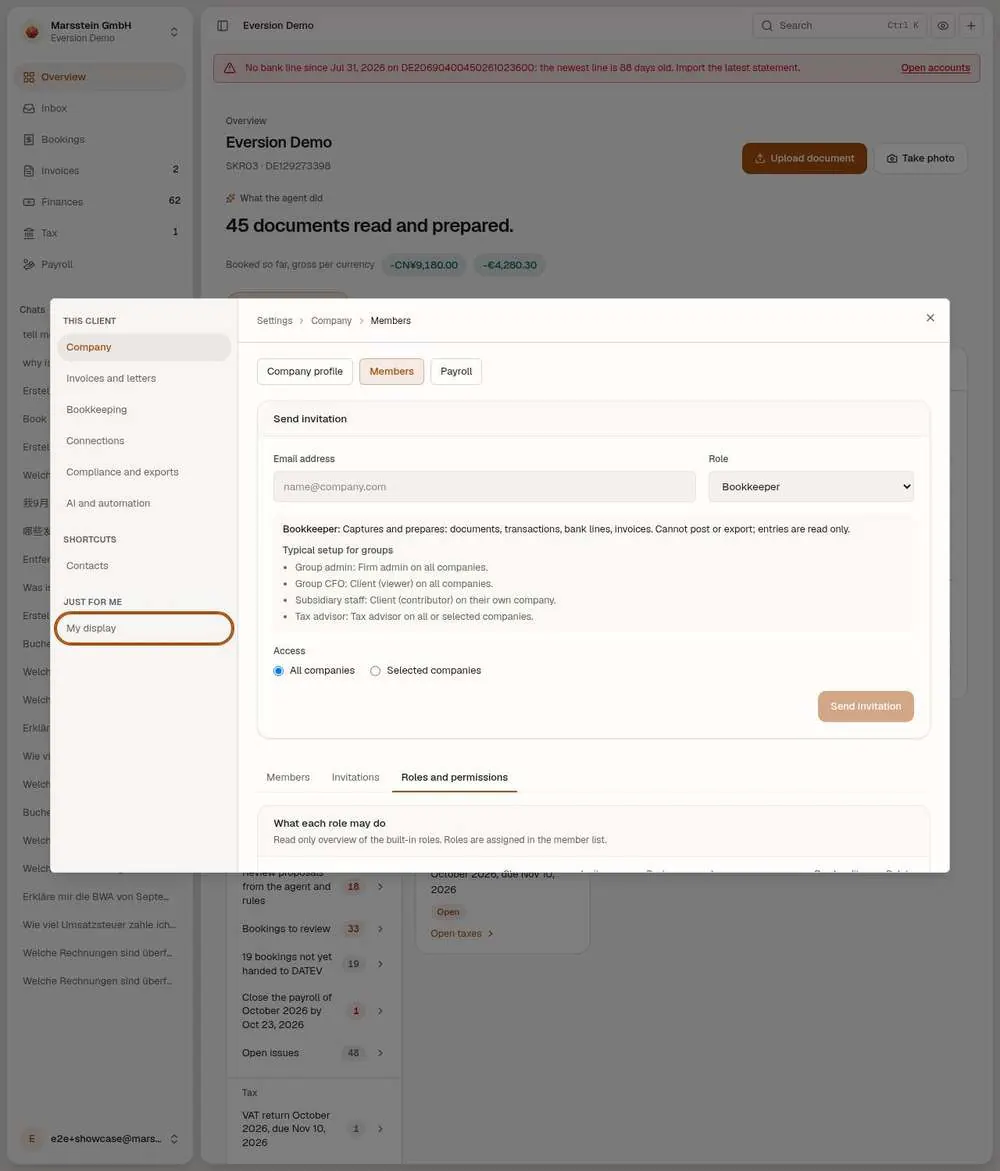
An invitation form (e-mail, role, all companies or selected ones), then three tabs: Members (with a 'Who sees what' grid), Invitations and a read-only matrix 'What each role may do'. Built-in roles: Firm owner, Firm admin, Accountant, Bookkeeper, Client (viewer), Client (contributor), Tax advisor. The matrix columns: change members, invite people, post entries, issue invoices, export, read audit log, delete firm.
In short
Try it
Read the matrix row for Accountant versus Tax advisor.
Do not send an invitation (it sends an e-mail).
Good to know
- An auditor role (read only, one client, access window) exists in the permission matrix but cannot be invited yet.
Invoices and letters: layout, number ranges, payment terms, dunning, invoice types
Switched off or gated
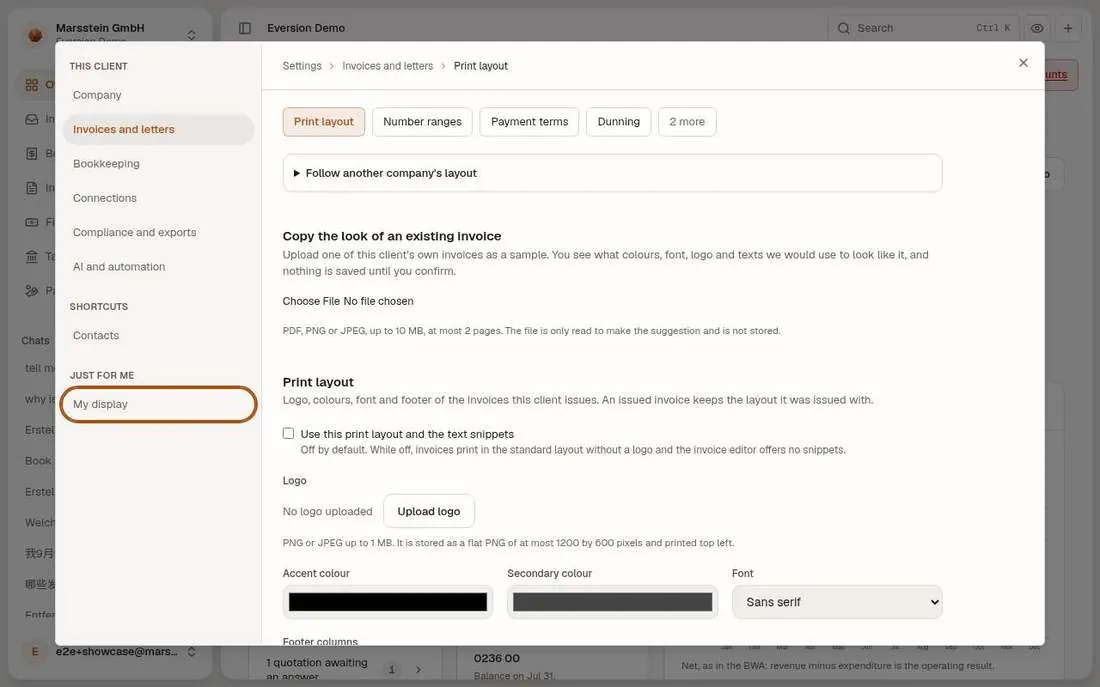
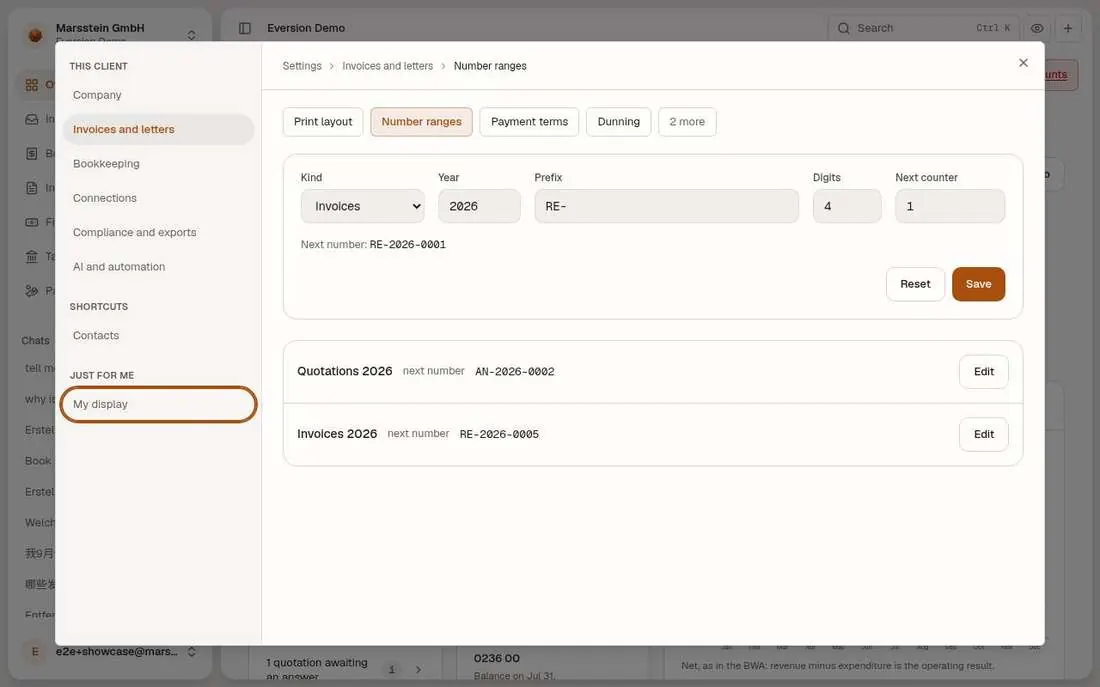
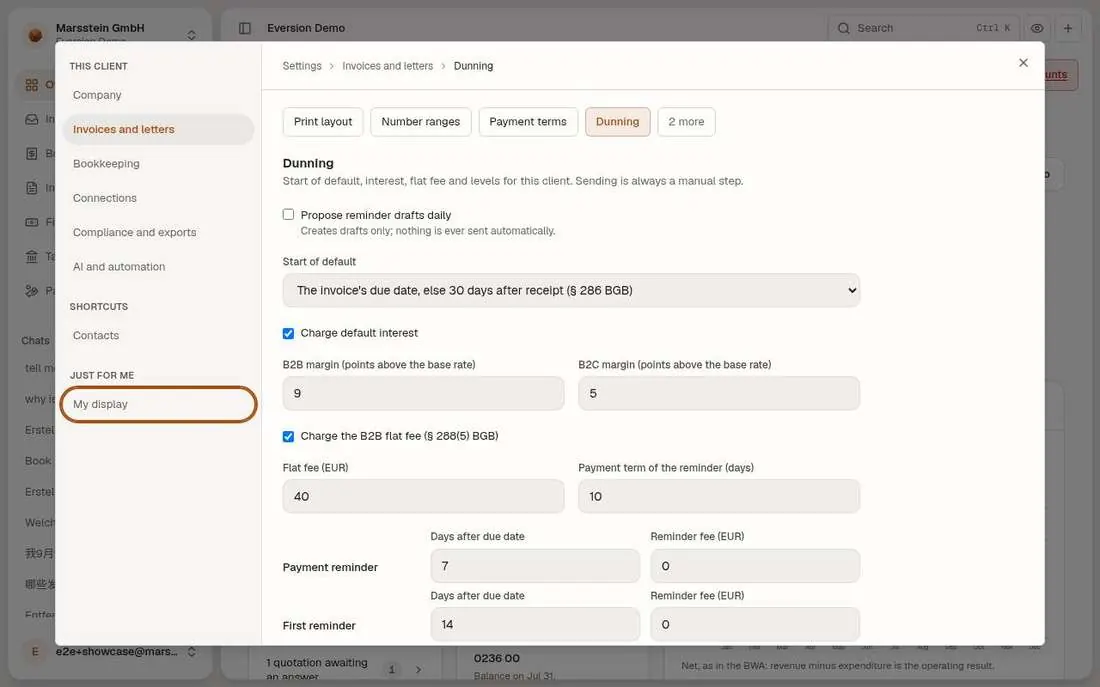
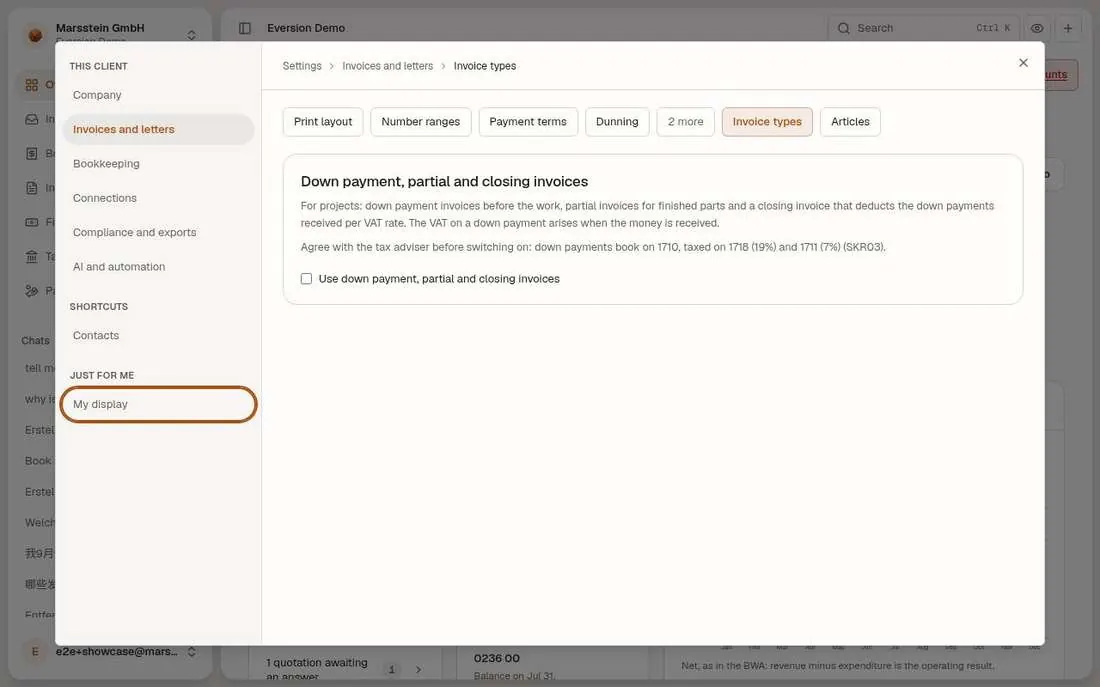
Print layout: logo, colours, font and footer columns, with a 'Use this print layout and the text snippets' tick box (unticked) and an upload to copy the look of an existing invoice. Number ranges per kind and year with prefix, digits and next counter. Payment terms (none defined). Dunning: propose reminder drafts daily (off), start of default, default interest margins, the B2B flat fee of 40 EUR and the days and fees per level. Invoice types: 'Use down payment, partial and closing invoices' (unticked).
In short
Try it
Look at each tab. Do not change anything.
Good to know
- Switches: Print layout, 'Use this print layout and the text snippets'; Invoice types, 'Use down payment, partial and closing invoices'.
Bookkeeping: categories, chart, VAT rates, periods, assets, bank rules, approvals
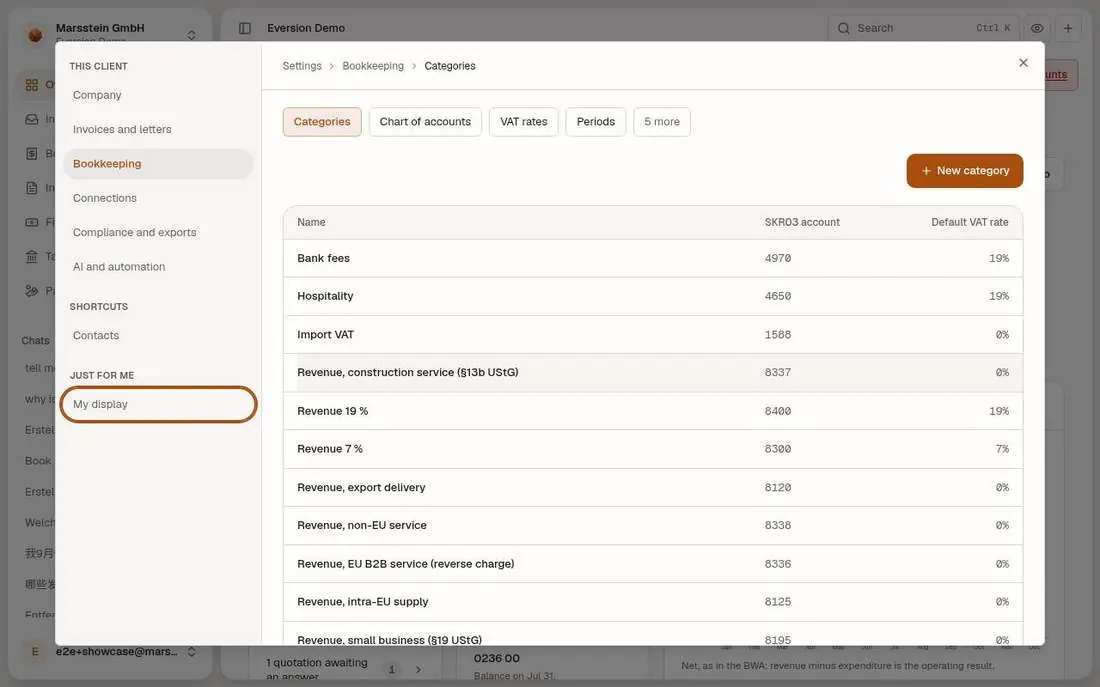
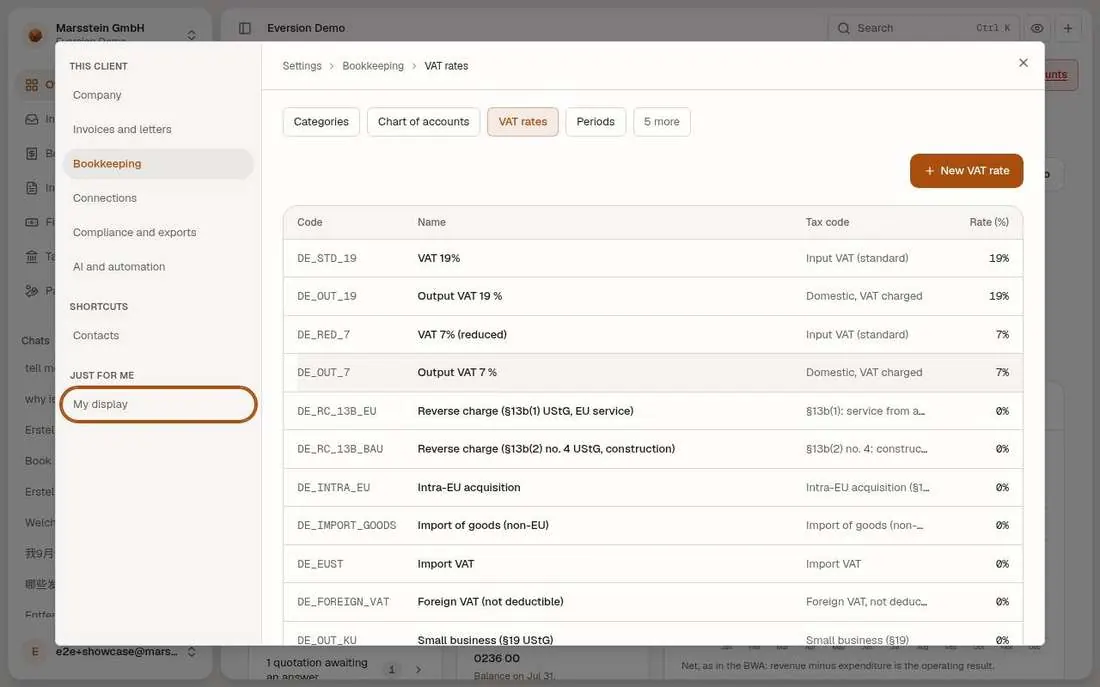
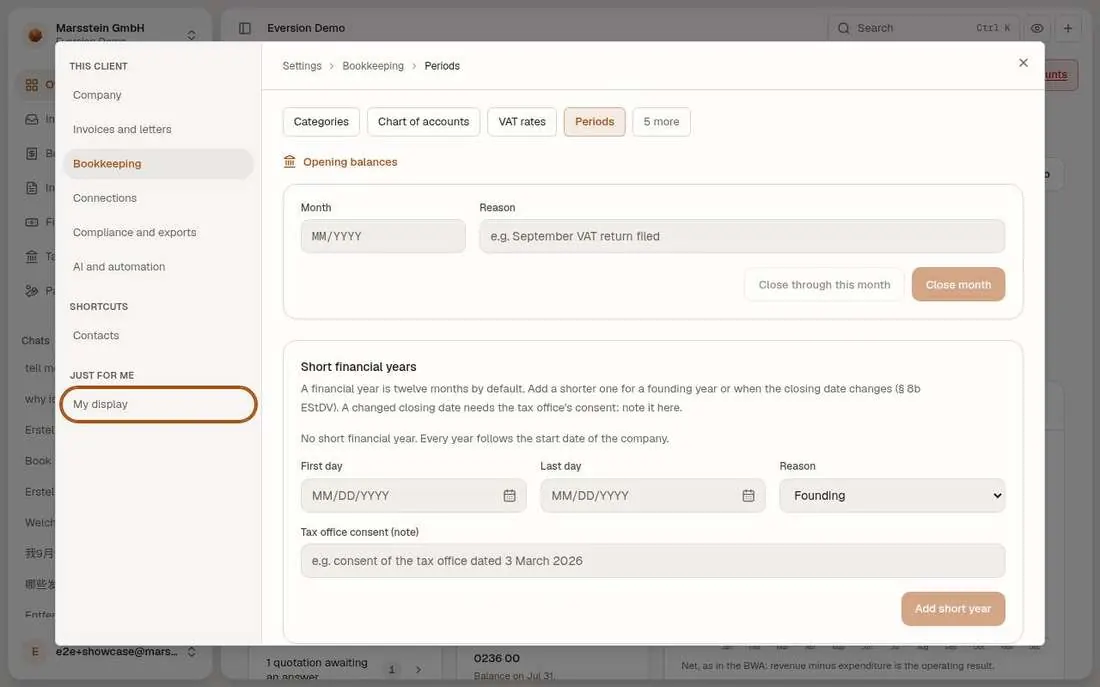
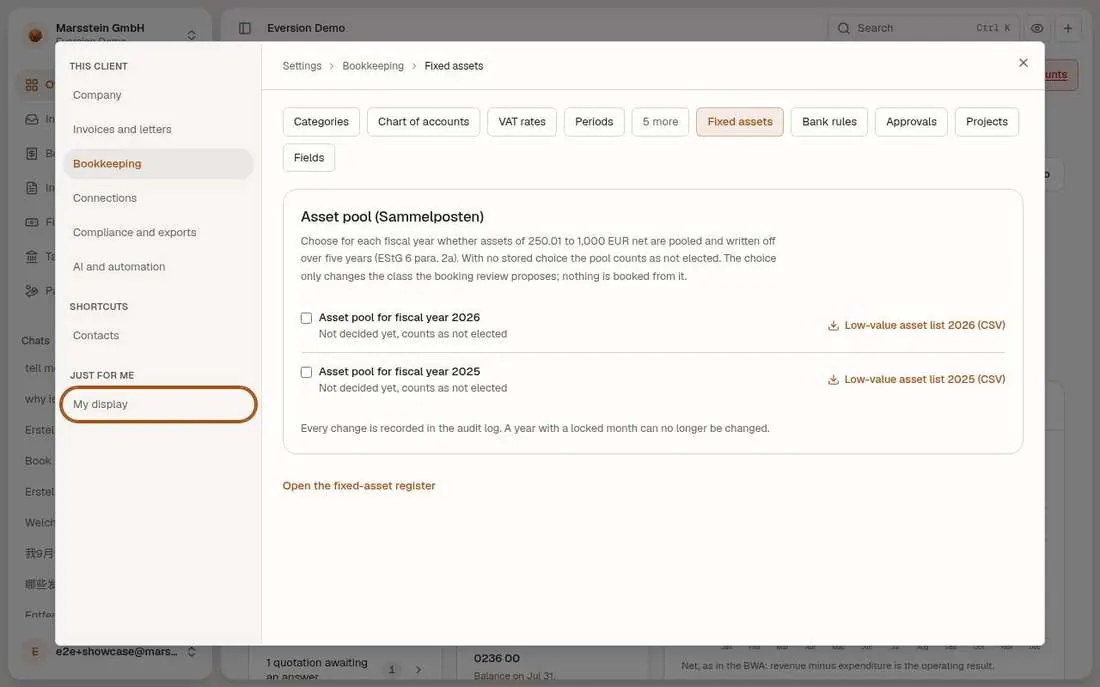
Categories mapped to SKR03 accounts (bank fees 4970, hospitality 4650, software 4964, telephone 4920 and so on), the chart of accounts, VAT rates with their tax codes (standard, reduced, reverse charge, intra-EU, import VAT, small business), Periods (close a month through a date, with a reason; short financial years), the Sammelposten election per year, learned bank rules ('No rules learned yet'), approval policies (off), projects and custom fields (both empty).
In short
Try it
Open Periods and read the text. Do not close a month.
Good to know
- Switches: approvals need 'Require approval'; custom fields and projects are empty by default.
- SKR04 and the Swiss chart are planned, not built.
Connections: mail intake, DATEV, migration, imports, API tokens
Switched off or gated
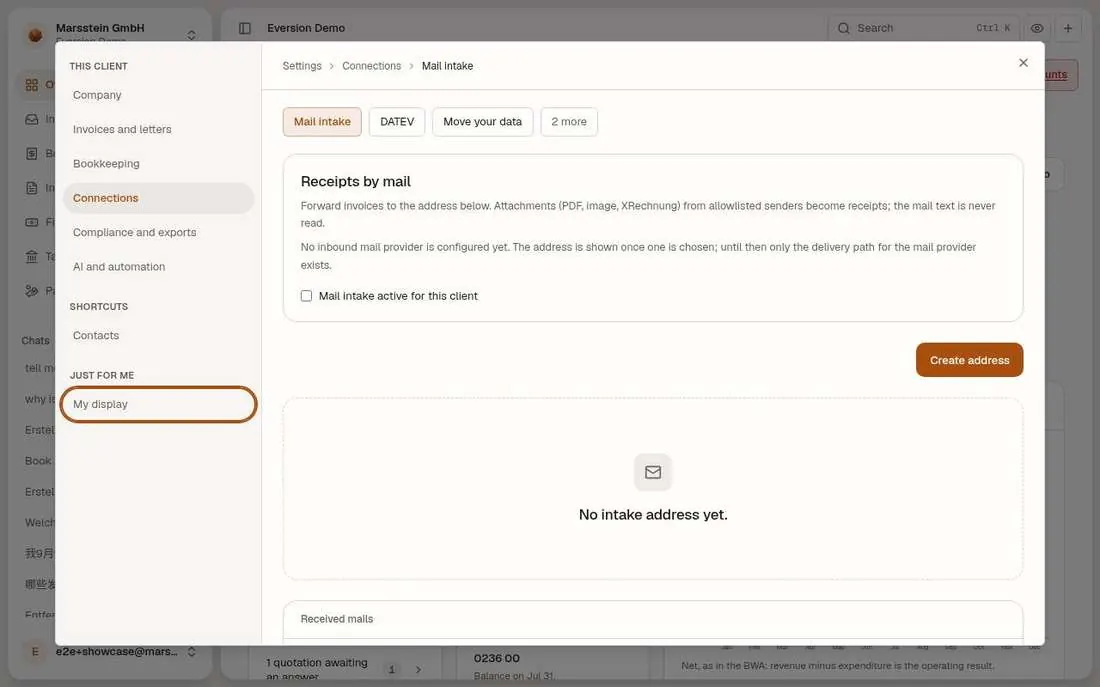
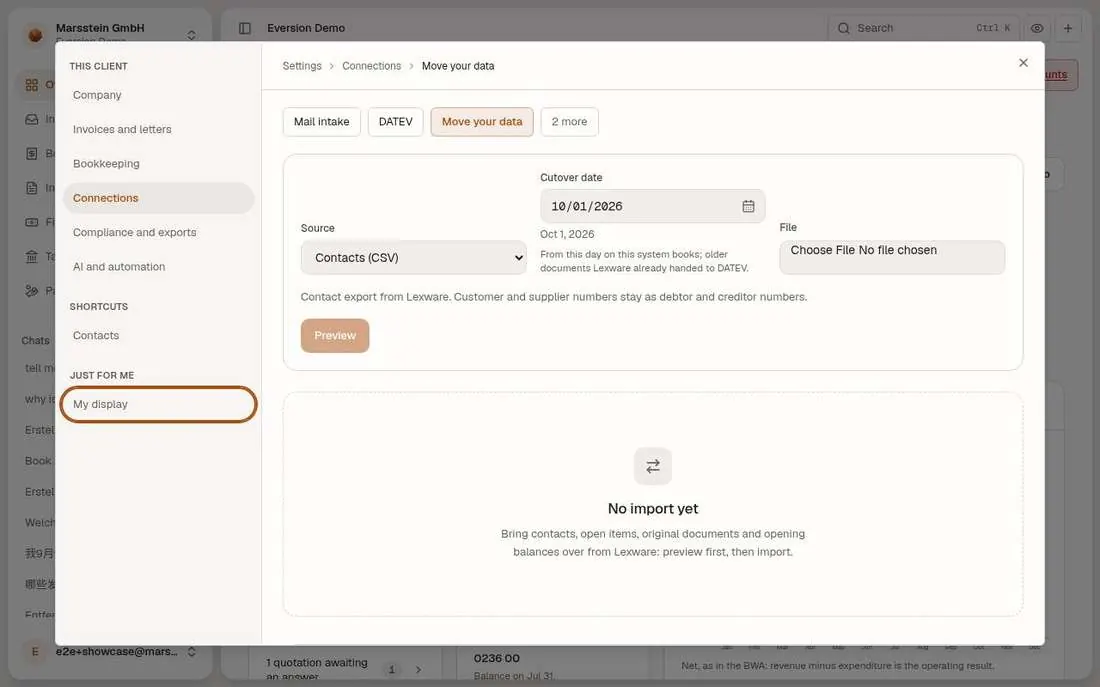
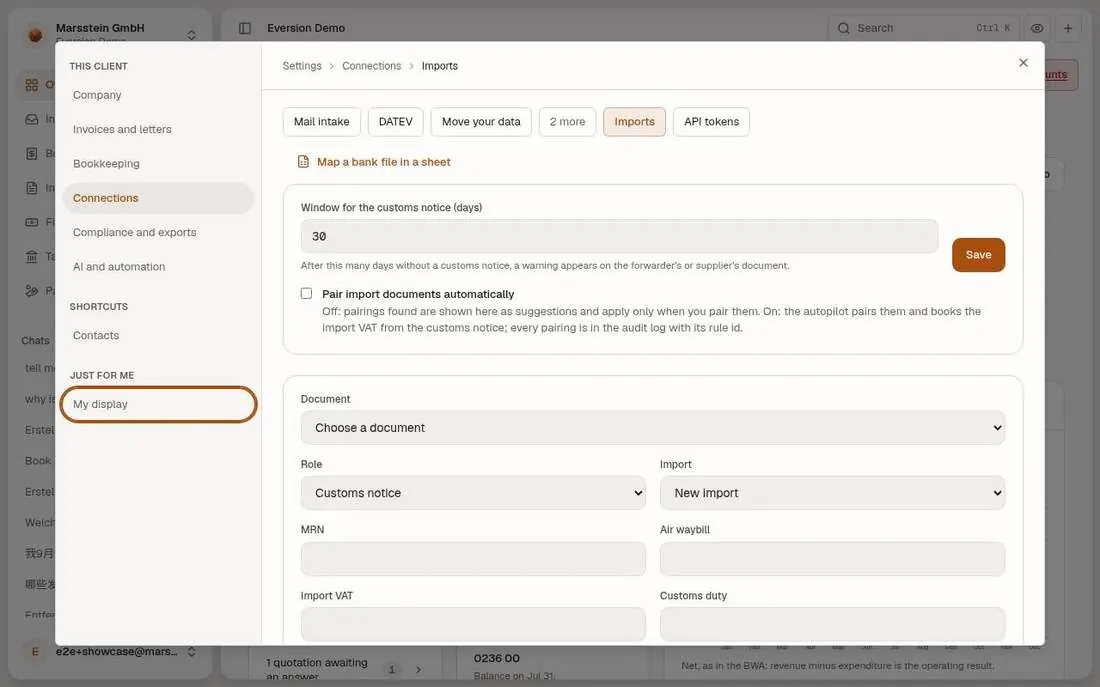
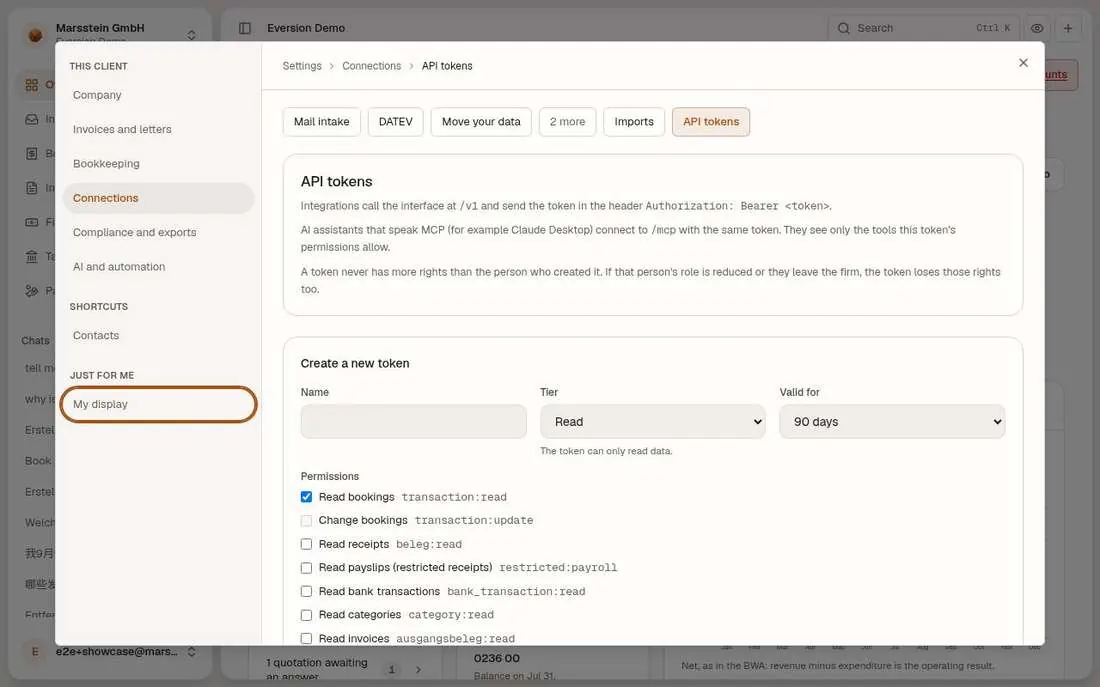
Mail intake: forward invoices to an address; 'Mail intake active for this client' is unticked and no address exists. Move your data: a cutover date and a source (contacts, open items, originals, opening balances from Lexware) with a preview, and 'Lexware connection: not connected'. Imports: customs notice and import VAT pairing. API tokens: name, tier (read), validity and rights per token; the same token works for AI assistants over MCP.
In short
Try it
Read each tab. Do not create an address or a token.
Good to know
- Switch: Mail intake active for this client. Lexware partner login is gated by the partner application.
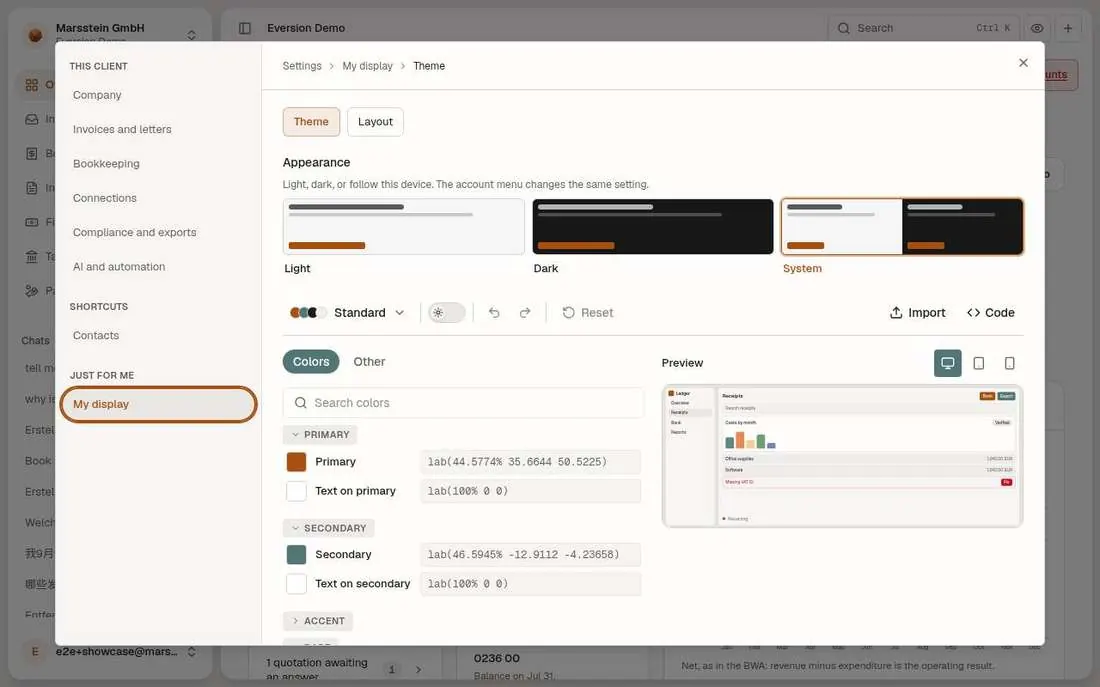
My display: theme and layout
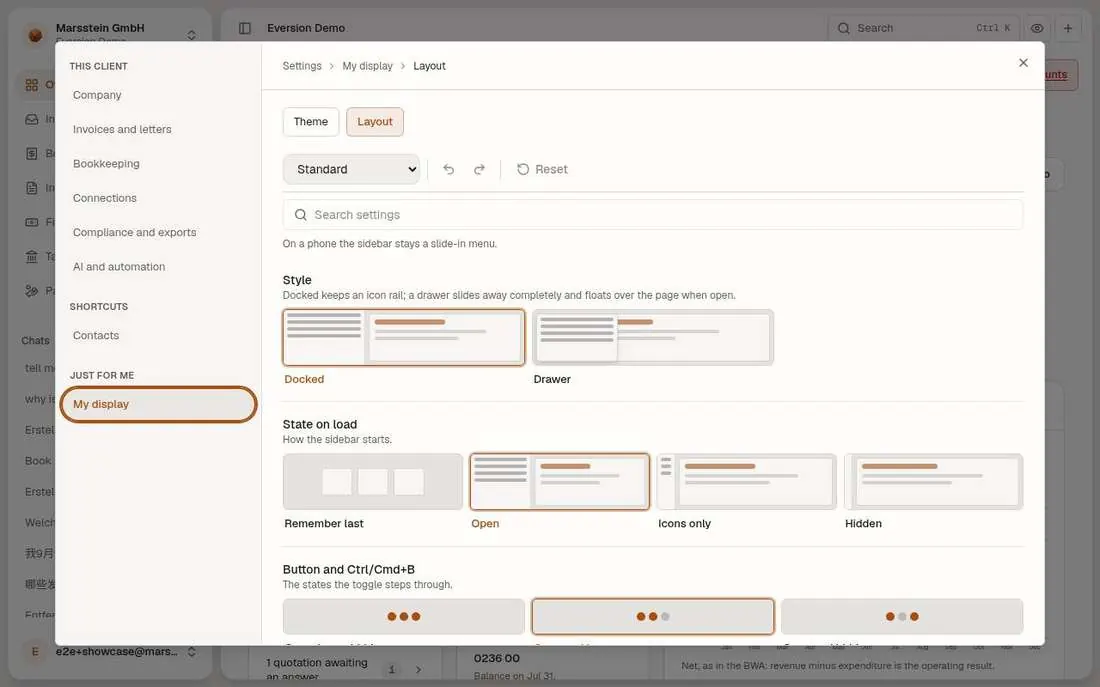
Theme: Light, Dark, System, with colour tokens, import and export. Layout: docked sidebar or drawer, state on load, search of settings.
In short
Try it
Pick Dark and look at the app.
Legal pages
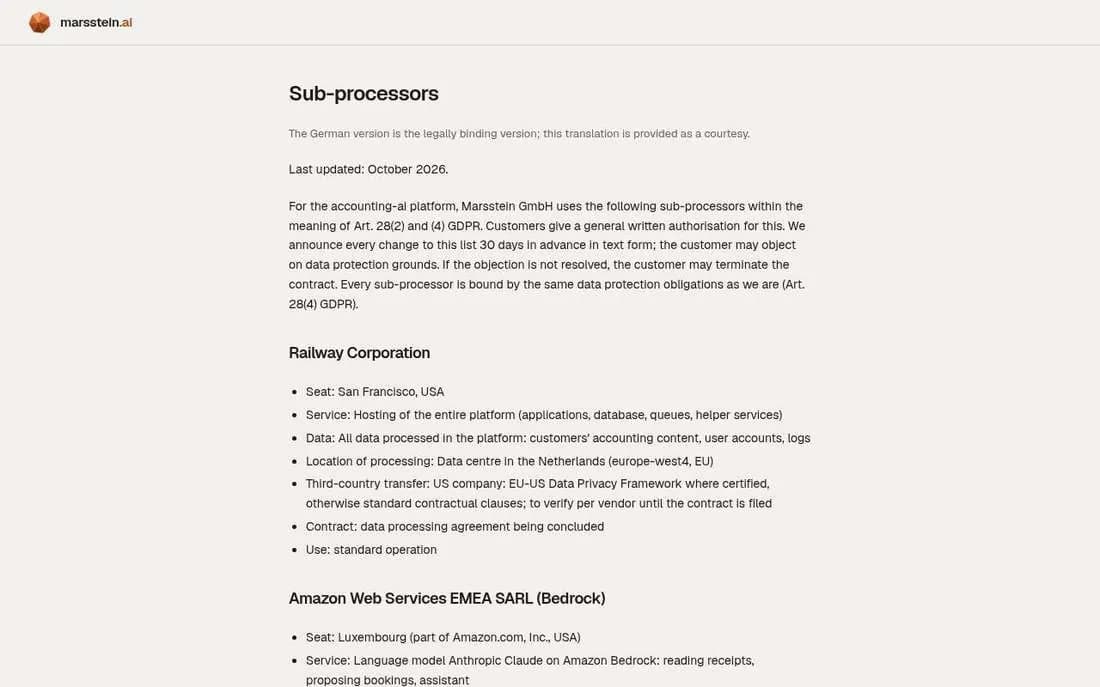
Impressum (links to the website), privacy notice, sub-processors and terms in German, English and Chinese, 'Last updated: October 2026'. The English text says the German version is the legally binding one.
In short
Try it
Read the sub-processors list.
Good to know
- Lawyer sign-off pending, per the docs.
Billing: monthly receipt count
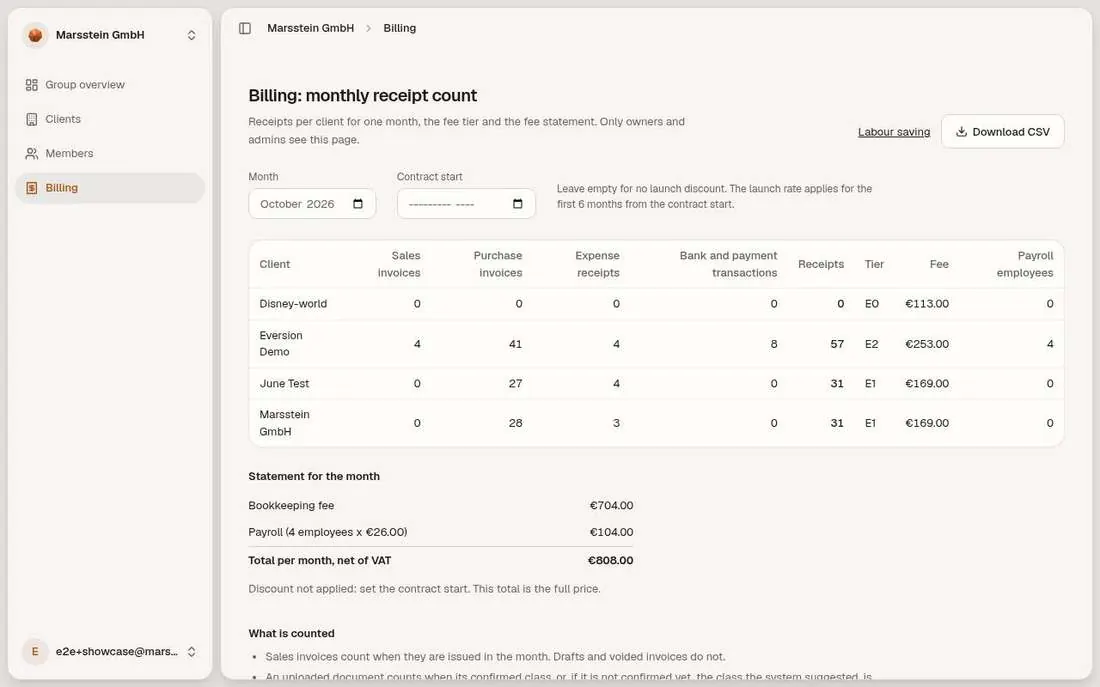
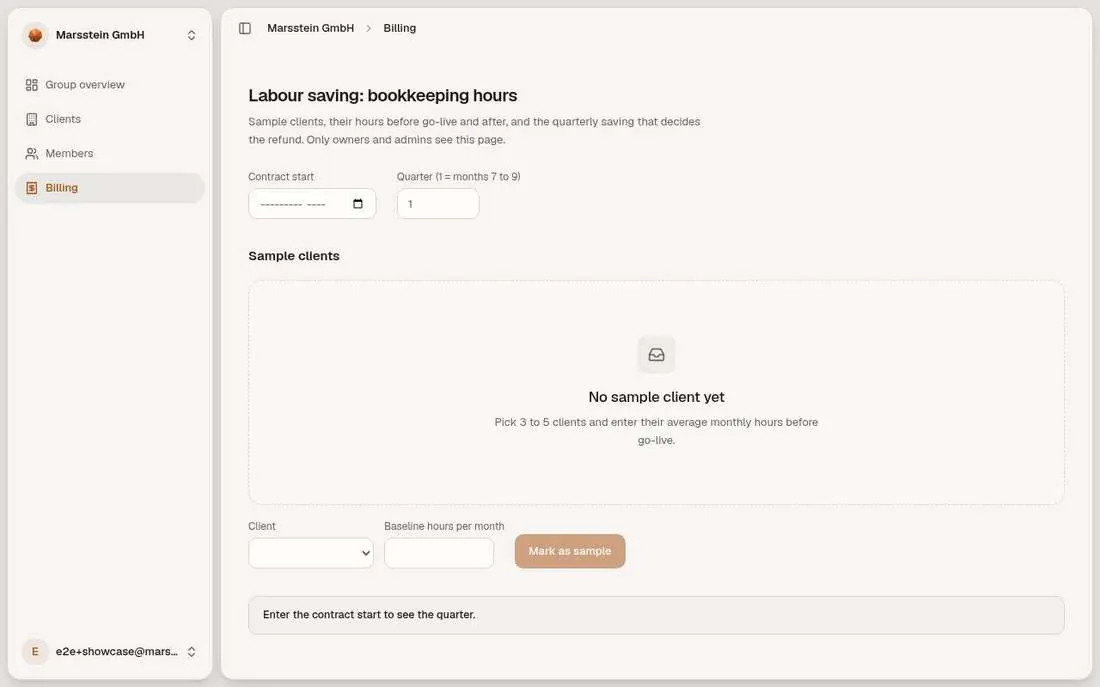
For a chosen month: per client the sales invoices, purchase invoices, expense receipts, bank transactions, the receipt total, the tier and the fee; below it the statement with the bookkeeping fee and the payroll line. The Labour saving page asks for sample clients and baseline hours and is empty.
In short
Try it
Change the month.
Good to know
- The labour-saving refund page is empty until sample clients are marked.